Explore this guide
Our guides combine current planning research with practical knowledge from arranging safaris, Kilimanjaro climbs and Zanzibar holidays.
The Best Way to Stay Connected During a Tanzania Holiday
Getting mobile internet in Tanzania is straightforward, but the best option depends on your phone, itinerary and length of stay. Tourists can use an international travel eSIM, purchase a registered Tanzanian SIM card or activate an eSIM from a local mobile network.
A travel eSIM is usually the most convenient option for immediate data, while a local Tanzania SIM card may provide better value for longer trips and travellers who need a local telephone number.
Mobile coverage is generally reliable in cities and major tourist towns. However, internet access can become slow or unavailable inside remote safari areas, regardless of the SIM card used.
Tanzania eSIM vs Local SIM Card
| Feature | Travel eSIM | Local Tanzania SIM |
|---|---|---|
| Installation | Usually completed online | Purchased from an authorised shop |
| Activation | Can be prepared before arrival | Usually completed after registration |
| Physical SIM required | No | Yes, unless using a local eSIM |
| Local phone number | Often unavailable | Usually included |
| Calls and SMS | Often data-only | Normally available |
| Convenience | Excellent | Requires time after arrival |
| Data value | Varies by provider | Often better for longer stays |
| Device requirement | Unlocked, eSIM-compatible phone | Unlocked phone with a SIM slot |
| Best for | Short trips and immediate internet | Longer visits and regular local calls |
What Is an eSIM?
An eSIM is a digital SIM profile installed directly on a compatible phone. It connects to a mobile network without requiring you to remove your existing physical SIM card.
There are two common options:
- International travel eSIM: Purchased online before departure and usually provides mobile data through a partner network.
- Local Tanzania eSIM: Issued by a Tanzanian mobile operator and may require registration at an authorised shop.
Airtel Tanzania and Yas Tanzania currently advertise eSIM services, although activation procedures, eligible devices and available plans can change. Check the official Airtel Tanzania eSIM page or Yas Tanzania eSIM information before travelling.
Is Your Phone Ready for a Tanzania eSIM?
Before buying an eSIM, confirm that:
- Your phone supports eSIM technology
- The device is unlocked by your home network
- Tanzania is included in the plan
- Your selected plan activates at the correct time
- Tethering or hotspot use is permitted
- The plan includes enough data
- You understand whether calls and SMS are included
In your phone settings, look for an option such as Add eSIM, Add Mobile Plan or SIM Manager. You can also check the manufacturer’s specifications using the exact model number.
Do not delete the eSIM profile while travelling unless the provider instructs you to do so. Reinstalling it may require a new activation code.
How to Buy a Local SIM Card in Tanzania
Local SIM cards are available from official mobile-network shops and authorised dealers at airports, cities and tourist centres.
Visitors should bring:
- Their original passport
- A valid visa, when required
- An unlocked mobile phone
Tanzania requires SIM cards to be registered to their users. Visitor registration normally uses a valid passport and visa details, followed by the provider’s verification procedure. Do not purchase a SIM card already registered under another person’s name.
The safest option is to use an official shop where staff can register the line, install the SIM and confirm that mobile data works before you leave.
Main Mobile Networks in Tanzania
Major mobile operators include:
- Vodacom Tanzania
- Airtel Tanzania
- Yas Tanzania, previously known as Tigo
- Halotel
No single network provides the strongest signal in every part of Tanzania. Coverage can vary between Arusha, Moshi, Serengeti, Ngorongoro, southern Tanzania and Zanzibar.
Before choosing a network, show the provider your complete itinerary and ask about coverage in the destinations you will visit.
Mobile Internet Coverage on Safari
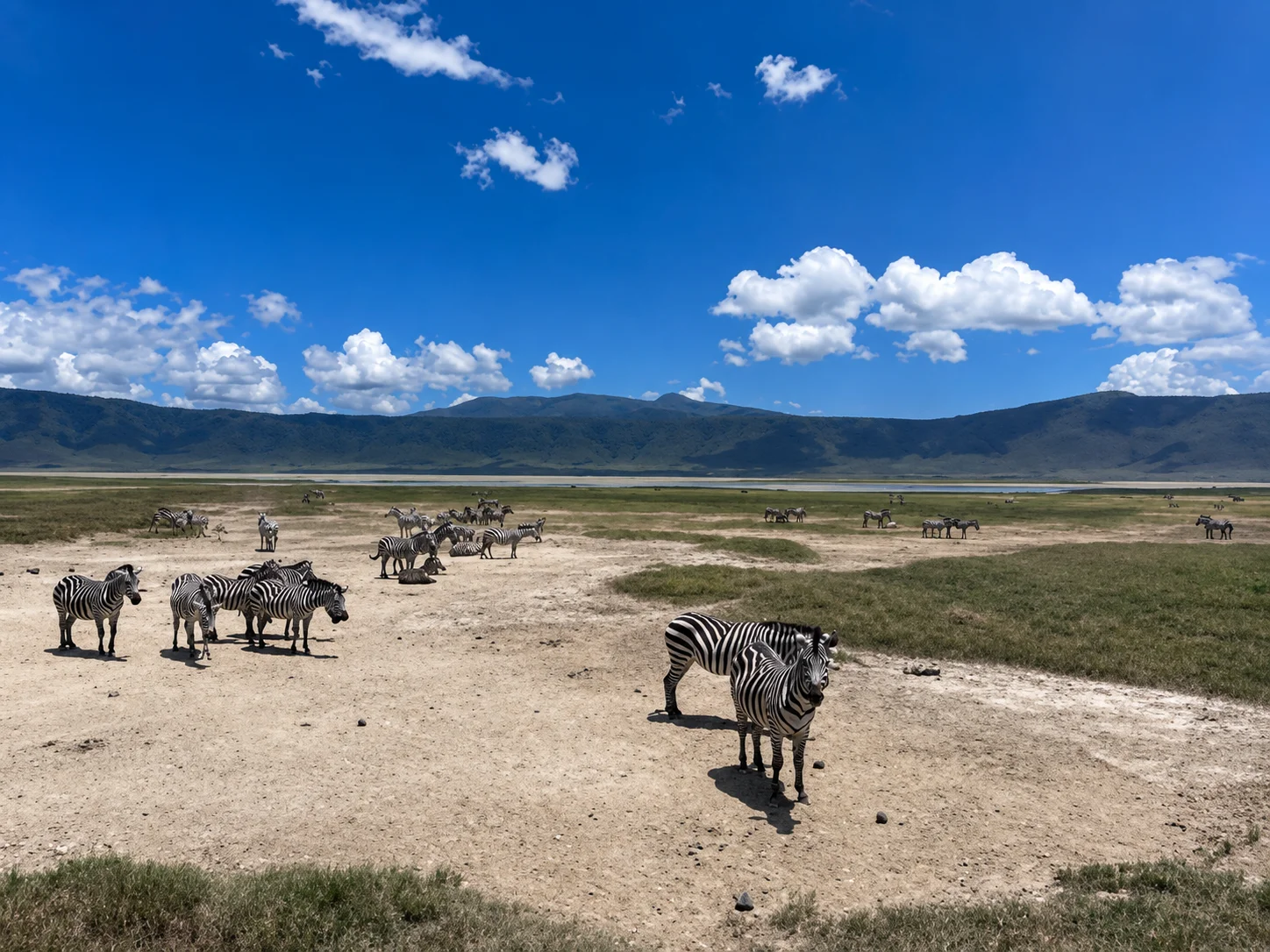
Mobile data should not be expected throughout a Tanzania safari. A strong connection in Arusha does not guarantee service inside Serengeti National Park or the Ngorongoro Conservation Area.
| Destination Type | Internet Availability |
|---|---|
| Dar es Salaam, Arusha and Moshi | Usually good |
| Zanzibar towns and major beach areas | Generally reliable |
| Towns near national parks | Usually available |
| Main safari roads | Intermittent |
| Remote camps and wilderness areas | Limited or unavailable |
| Inside lodge rooms | Depends on the property |
| Mountain routes | Unreliable and location-dependent |
Some safari lodges provide Wi-Fi only in reception, lounge or dining areas. Others offer internet in guest rooms, sometimes for an additional charge.
KiliPori Safaris recommends downloading important information before leaving town rather than depending on continuous mobile coverage.
How Much Data Do You Need?
| Travel Use | Suggested Data Level |
|---|---|
| Messaging, email and maps | Light |
| Daily social-media use | Moderate |
| Photo uploads and video calls | High |
| Remote work or frequent streaming | Very high |
Actual requirements depend on trip length and personal use. Automatic photo backups, application updates and video streaming can consume data quickly.
To reduce usage:
- Download offline maps
- Disable automatic application updates
- Pause cloud photo backups
- Turn off background data for unnecessary applications
- Use lodge Wi-Fi for large uploads
- Download entertainment before the safari
The Two-Layer Connection Plan
For travellers who must remain reachable, KiliPori Safaris recommends a two-layer approach:
- Use an eSIM or local SIM for normal mobile data.
- Keep essential information available offline.
Download or screenshot:
- Safari itinerary
- Hotel contacts
- Flight confirmations
- Insurance documents
- Passport and visa copies
- Emergency telephone numbers
- Offline maps
- KiliPori Safaris contact details
This plan remains useful when the phone has power but no network signal.
Setting Up Your eSIM Correctly
Before departure, install the eSIM while connected to reliable Wi-Fi, but check whether activation should wait until arrival.
After landing:
- Open your mobile-network settings.
- Enable the Tanzania eSIM.
- Select it for mobile data.
- Turn on data roaming if required by the eSIM provider.
- Keep your home line switched off for mobile data.
- Test the connection before leaving the airport.
Your home SIM can remain active for calls or verification messages, but international roaming charges may apply.
Avoiding Unexpected Roaming Charges
To prevent high charges:
- Disable data roaming on your home SIM
- Select the Tanzania SIM or eSIM as the data line
- Turn off automatic network switching
- Check whether incoming calls cost money
- Monitor data through the provider’s application
- Disable voicemail roaming if necessary
- Confirm hotspot and fair-use restrictions
Dual-SIM phones should be configured carefully because they may switch back to the home network when the local connection becomes weak.
Charging Your Phone During a Safari
Electricity may be limited at some tented camps. Carry:
- A reliable power bank
- Charging cables
- A universal travel adapter
- A vehicle USB charger, if compatible
- A protective bag for dust
Ask before using a drone or other specialist equipment because national park and aviation restrictions may apply.
Frequently Asked Questions
Can tourists buy a SIM card in Tanzania?
Yes. Visitors can purchase a SIM card from an authorised provider and register it using the required identification documents.
Is an eSIM better than a local Tanzania SIM?
An eSIM is more convenient for immediate internet. A local SIM may offer better value, local calls and easier data-bundle purchases during a longer stay.
Will I have internet in Serengeti National Park?
Coverage is available in some locations but remains inconsistent. Do not expect uninterrupted service across the Serengeti.
Is Wi-Fi available at Tanzania safari lodges?
Many lodges offer Wi-Fi, but its speed, location and availability vary. Some remote camps intentionally provide limited connectivity.
Can I use WhatsApp in Tanzania?
Yes. WhatsApp is widely used, provided you have mobile data or Wi-Fi. You can normally continue using your existing WhatsApp number after installing another SIM.
Can KiliPori Safaris arrange a SIM card?
KiliPori Safaris can advise where to purchase a registered SIM and explain expected connectivity along your itinerary. Registration must be completed according to the mobile provider’s requirements.
Final Internet Checklist for Tanzania
Before travelling:
- Confirm that your phone is unlocked
- Check eSIM compatibility
- Compare data, validity and hotspot conditions
- Carry your passport when purchasing a local SIM
- Download important documents and offline maps
- Disable roaming on your home SIM
- Carry a power bank
- Expect limited service in remote parks
For most short holidays, a Tanzania travel eSIM provides the easiest connection. For longer stays, frequent local calls or larger data requirements, a registered local SIM card may offer better value.

KiliPori Safaris Travel Team
A local Tanzania team helping travellers plan wildlife safaris, Kilimanjaro climbs and Zanzibar holidays with clear routing and direct destination support.
Published July 25, 2026. Travel conditions, fees and schedules can change; confirm time-sensitive details before departure.